
✨Skool Glow Up Challenge ✨
Give your Skool community a brand makeover and visual glow up, so you can stand out, attract and convert more members.
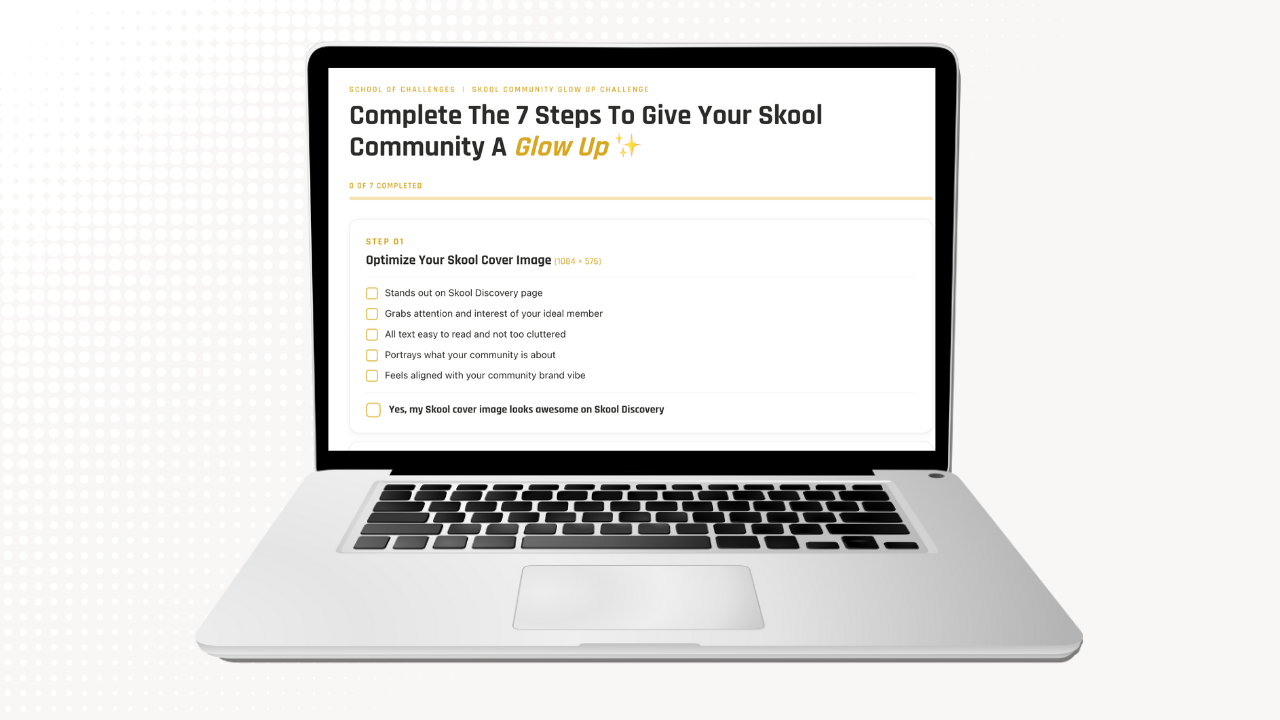
Complete The 7 Step Checklist To Give Your Skool A Glow Up

Grab Your FREE Canva Templates For Your Skool Images

Show Us Your Glow Up For Your Chance To Win A Skool Tee
School of Challenges | Skool Community Glow Up Challenge
Complete The 7 Steps To Give Your Skool Community A Glow Up ✨
0 of 7 completed
Step 01
Optimize Your Skool Cover Image (1084 × 576)
- Stands out on Skool Discovery page
- Grabs attention and interest of your ideal member
- All text easy to read and not too cluttered
- Portrays what your community is about
- Feels aligned with your community brand vibe
Step 02
Optimize Your About Page Images (1400 × 790)
- Displays clear value proposition and reason to join
- Showcases the benefits and offers inside your classroom
- Visually entices your ideal members to want to join
- All text easy to read and not too cluttered
- Feels aligned with your community brand vibe
Step 03
Optimize Your Community Icon (1080 × 1080)
- Looks clear as a tiny thumbnail (avoid too much text)
- Is memorable and recognizable when members see notifications
- Stands out on Skoolers' menu list of communities
- Feels aligned with your community brand vibe
- Icon image title is relevant when icon shows as alt text
Step 04
Optimize Your About Page Copy
- Clearly explains who and what your community is for
- Concisely lists the benefits and reason to join
- Easy to skim and scan with line spacing
- Includes social proof and/or authority
- Includes clear call to action
Step 05
Spruce Up Your Classroom(1460 × 752)
- Classroom cover images carry a consistent look & feel
- Your classroom is not overwhelming
- Your classroom visually showcases your offers
- Your classroom is easy to navigate, skim and scan
- Your classroom feels aligned with your community brand vibe
Step 06
Clean Up Your Community
- You have an onboarding and housekeeping process
- Pinned posts are relevant and up-to-date
- Post categories make sense to your members
- Members know what to post (and what not to post)
- Irrelevant, value-less posts removed
Step 07
Optimize Your Personal Skool Profile
- Clear headshot so we can see your real face
- Add location to Skool map so other Skoolers can find you
- Bio clearly explains what you do and offer
- Bio invites people to your Skool community
- Social links and website link up-to-date